
Best SIM Card for Galapagos

João Petersen · Last updated September 2, 2026
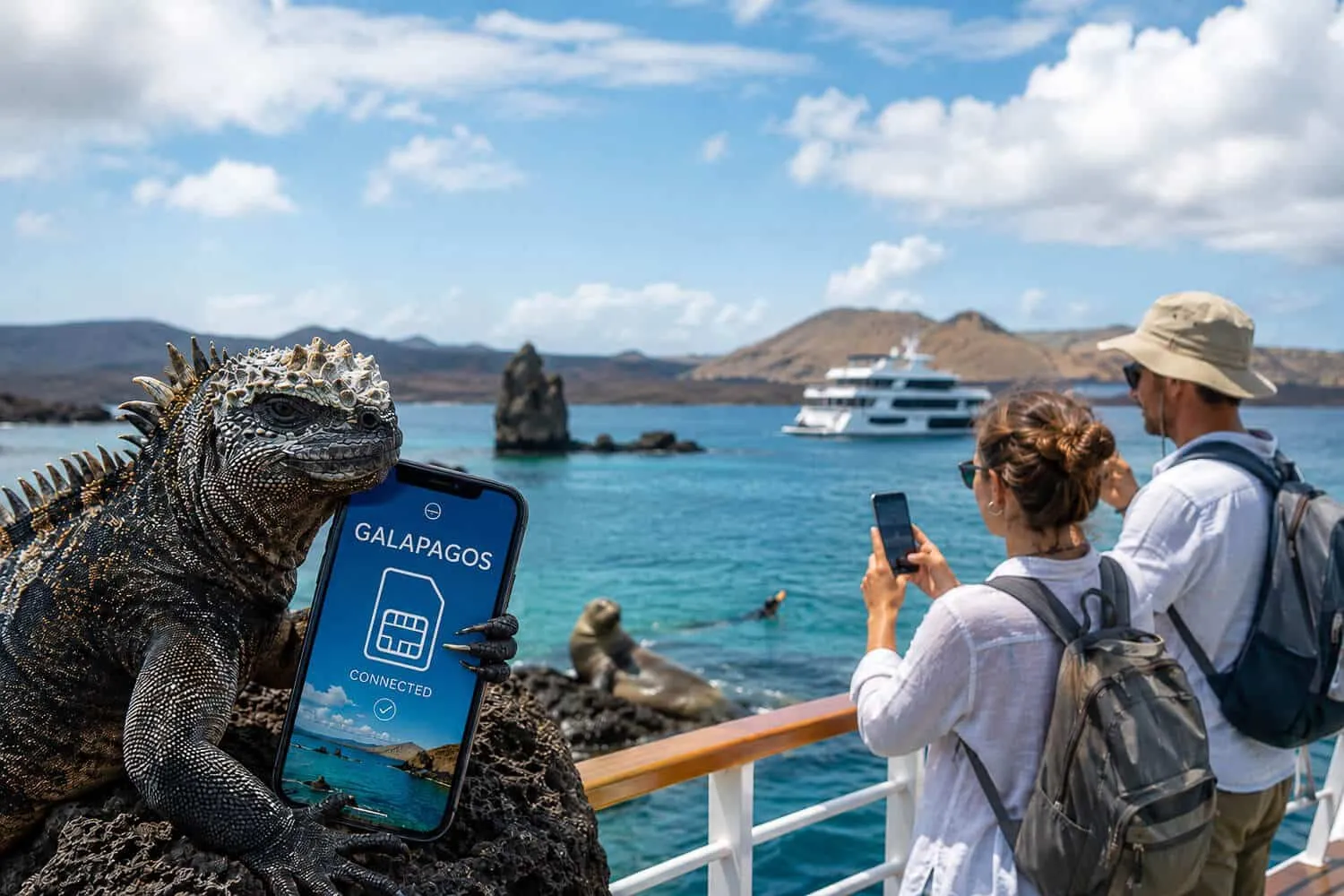
Signal in the Galapagos is mostly limited to the three main towns, so the best SIM card for Galapagos depends more on how you travel than on the brand. On uninhabited islands and between islands, expect little or no coverage.
This guide covers what coverage to expect, physical SIM versus eSIM, and Wi-Fi. I used a physical Claro SIM on every trip. I have not tried an eSIM, so the eSIM and Wi-Fi sections are based on provider pages and other guides.
Your Galapagos Islands Essentials - Quick Guide
Short on time? This quick Galapagos guide will help you plan.
Where to Stay:
- – Finch Bay Galapagos Hotel (Santa Cruz Island)
- – Golden Bay Galapagos Hotel (San Cristobal Island)
- – Hotel Iguana Crossing (Isabela Island)
Must-Do Experiences:
- – 360 Tour (San Cristobal highlights by boat)
- – Kicker Rock Tour (Full-day snorkeling tour to Kicker Rock)
- – Bartolome Island Tour (Iconic views and marine life)
- – Floreana Island Tour (Snorkel, fishing and history)
- – Sierra Negra Volcano Tour (Half-day guided hike on Isabela Island)
- – Los Tuneles Tour (Snorkeling tour on Isabela Island)
The links in this box are affiliate links.
Tours sell out fast. Book early and plan a backup day.
Do You Need a SIM Card for Galapagos?
Probably, if you want to check messages, upload photos or make the occasional call in the main towns. It depends on your itinerary.
If you are on a land-based trip, staying in a hotel in Puerto Ayora, Puerto Baquerizo Moreno or Puerto Villamil, a SIM matters mostly when you are out and about, because hotels and restaurants in these towns often offer Wi-Fi, although the quality varies. If you are on a multi-day cruise, you will spend much of the time at sea or on uninhabited islands with no mobile coverage, so a SIM or eSIM is only useful while the boat is docked in a port town.
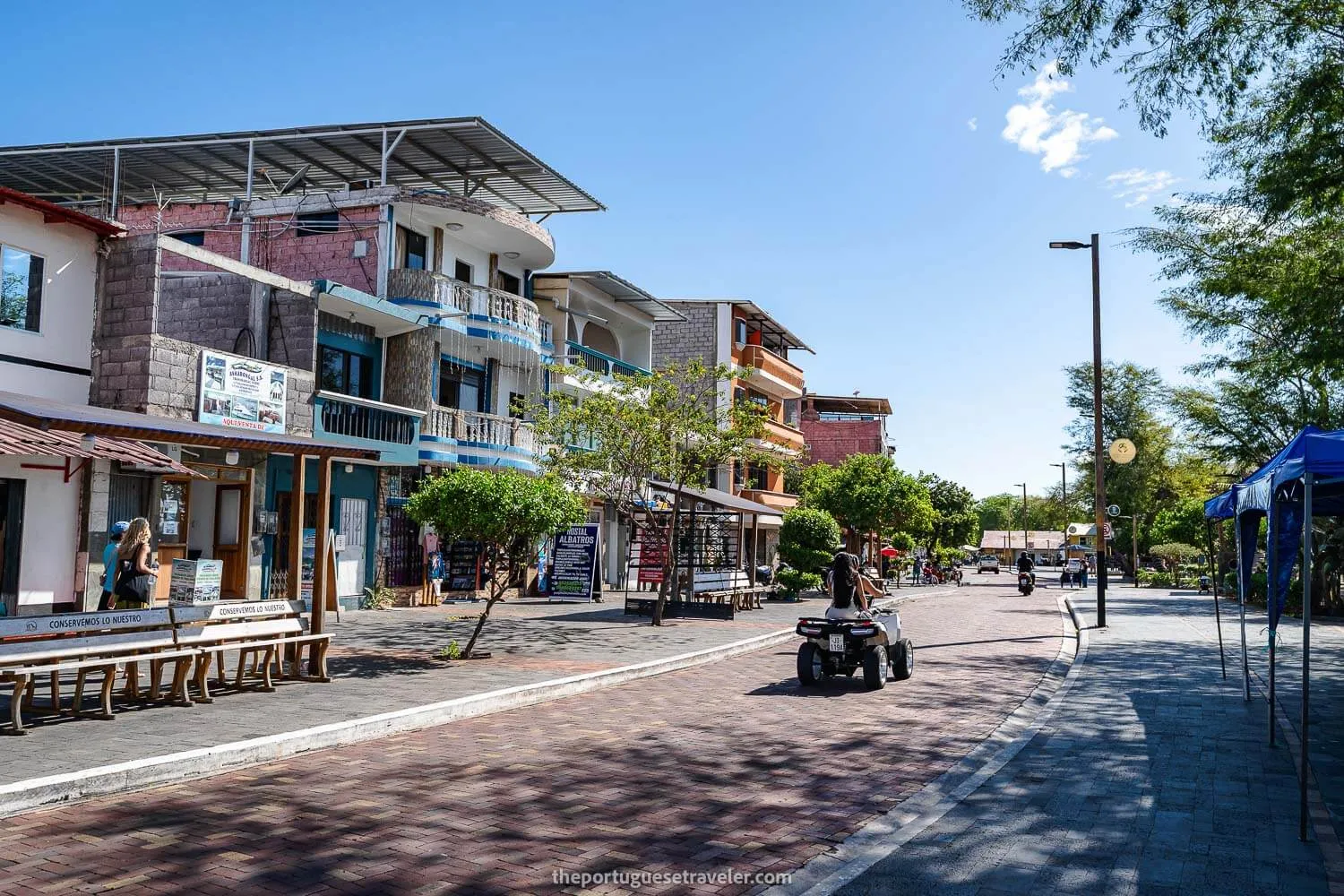
In town I had signal almost everywhere. On the boat between islands I had none, so download what you need before you leave. 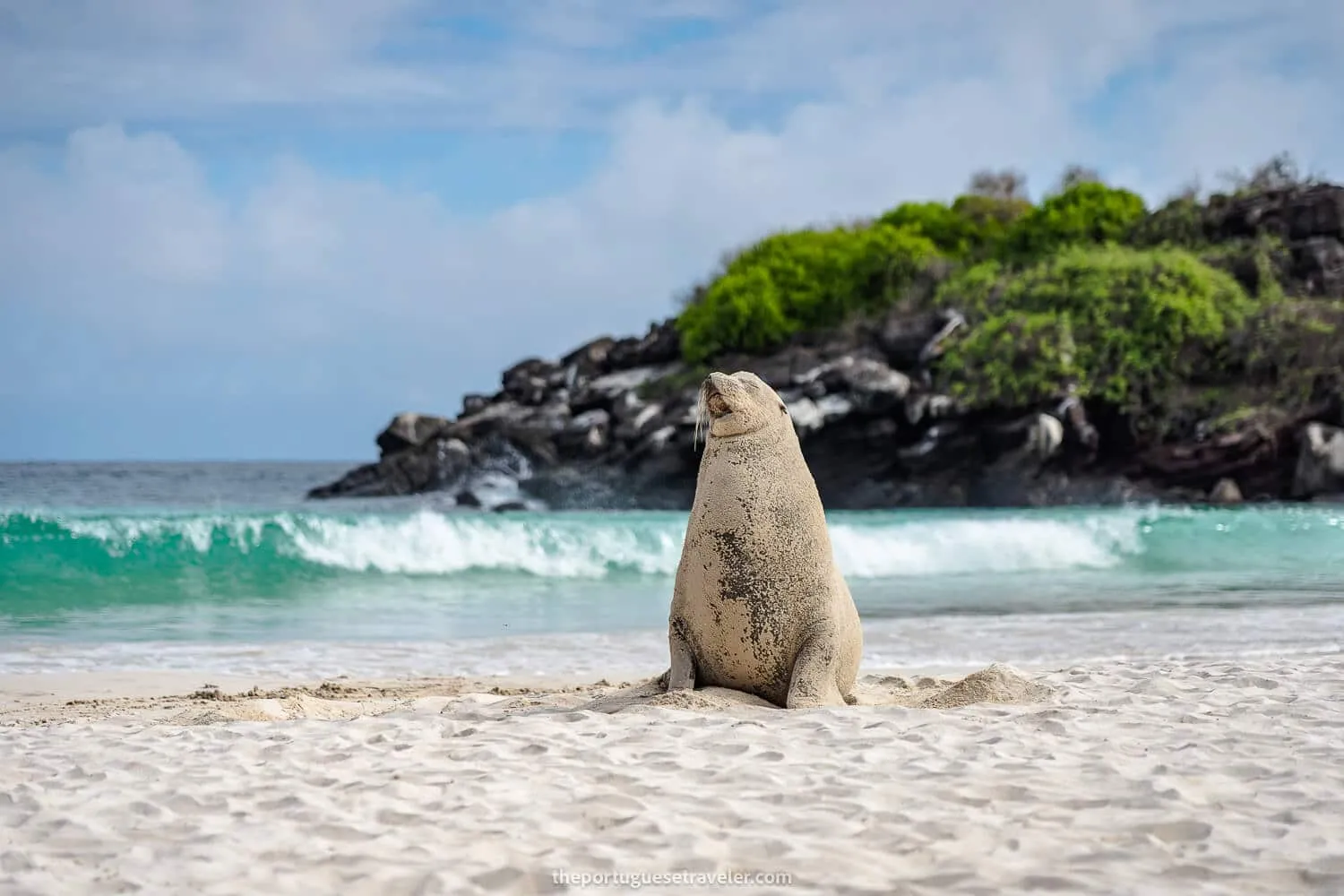
Galapagos Cell Coverage: What to Actually Expect, Island by Island
Coverage in the Galapagos is concentrated in the port towns of the three main inhabited islands. Everywhere else, including the highlands, uninhabited islands and open water, expect little or no signal, whichever carrier you use. The island notes below come from operator and traveler guides.
- Santa Cruz (Puerto Ayora): Guides report 4G in town, along the waterfront and at most restaurants and hotels. Signal weakens toward the highlands and the tortoise reserves.
- San Cristobal (Puerto Baquerizo Moreno): Guides report 4G around the port and main streets. Coverage drops off quickly outside the town center.
- Isabela (Puerto Villamil): Guides describe coverage as more limited than on the other two islands, so expect it to be patchier.
- Uninhabited islands (Fernandina, Española, Genovesa, Bartolomé and others): No mobile coverage. Plan on being offline during those visits.
- At sea: No coverage, on any carrier. I had none on the boat between islands.
Physical SIM Cards for Galapagos: Claro vs. Movistar
Ecuador’s main mobile carriers are Claro and Movistar, and CNT is a third, state-owned operator. Guides disagree on which is better in the islands: some say Claro has the widest coverage, while others rate Movistar higher in Puerto Ayora and Puerto Baquerizo Moreno. I used a physical Claro SIM from Ecuador on my first trip, and on every trip after that.
A few practical things to know about buying a physical SIM:
- Most guides say to buy the SIM on the mainland, at the airport or in a carrier store in Quito or Guayaquil, before you fly. In San Cristobal, I bought a Claro SIM at a local electronics shop, but I had to ask my tour operator for his Ecuadorian ID.
- Your phone needs to be unlocked to accept a foreign SIM. Check with your home carrier before you travel if you’re not sure.
- You will typically need your passport to register the SIM, and it can take a few minutes at the counter. A Claro SIM I bought in Quito was registered with my passport.
- Once installed, you’ll lose your home number for calls and texts unless you have a dual-SIM phone.
A physical SIM usually includes a local number and voice minutes, not just data, which helps if you need to call tour operators or hotels, and it is often cheaper than an eSIM.
Plan Your Galapagos Trip (Free Quote)
Want help organizing this trip? I recommend Happy Gringo, a travel agency in Ecuador. You can ask them for a free quote.
 Get Free Quote
eSIM for Galapagos: A Simpler Option for Most Travelers
An eSIM is the option to consider if you want data without going to a shop. You buy and install it before you leave home, and it connects once you land on a local network. Your regular number can stay active for calls and texts on your primary line while the eSIM handles data. I did not use an eSIM in the Galapagos, because I had a local SIM card, so this section is based on provider pages and other guides.
Because most guides say to buy a physical SIM on the mainland, an eSIM bought before you fly saves hunting for a shop. Some eSIM sellers say their Ecuador plans do not cover the Galapagos, so check that the plan you buy lists the islands.
Holafly and Airalo both sell eSIM plans for the Galapagos, as the screenshots below show. According to those plan pages, the Holafly plan runs on Movistar and the Airalo plan on Otecel, the operator of Movistar in Ecuador, now owned by Millicom, the parent company of Tigo. Neither uses Claro.
 eSim: Holafly (5% discount with our link) and Airalo are two eSIM providers for the Galapagos. They are partners of this site. I have used Airalo before, but not in the Galapagos, where I had a local SIM card, and I have not used Holafly. A few notes on eSIMs generally for this destination:
- Most travel eSIMs are data-only, with no local phone number, SMS or voice calls. For calls you will rely on Wi-Fi calling or apps like WhatsApp and FaceTime when you have a data connection.
- Your phone needs to be eSIM-compatible - most iPhones from the XS onward and recent Android flagships support it, but it’s worth checking your specific model before buying.
- Coverage depends on the local network the eSIM uses. A plan that runs on Movistar or Otecel rather than Claro may not behave like a Claro SIM, and it will not reach places where that network has no signal.
- Plans are generally sold by data allowance and validity period, so pick a plan that matches your trip length rather than over-buying.
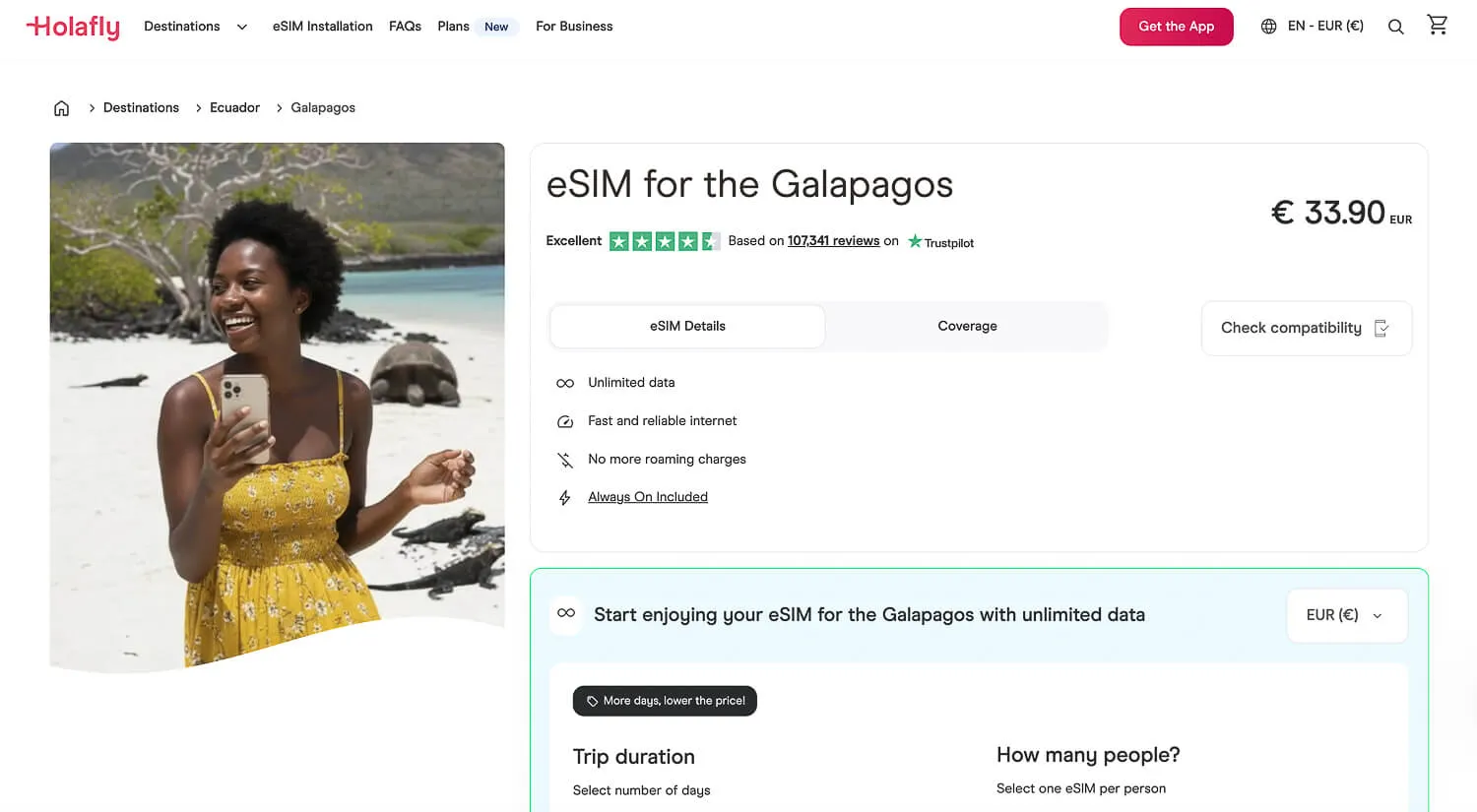
Holafly 7 day-plan for the Galapagos (Movistar)
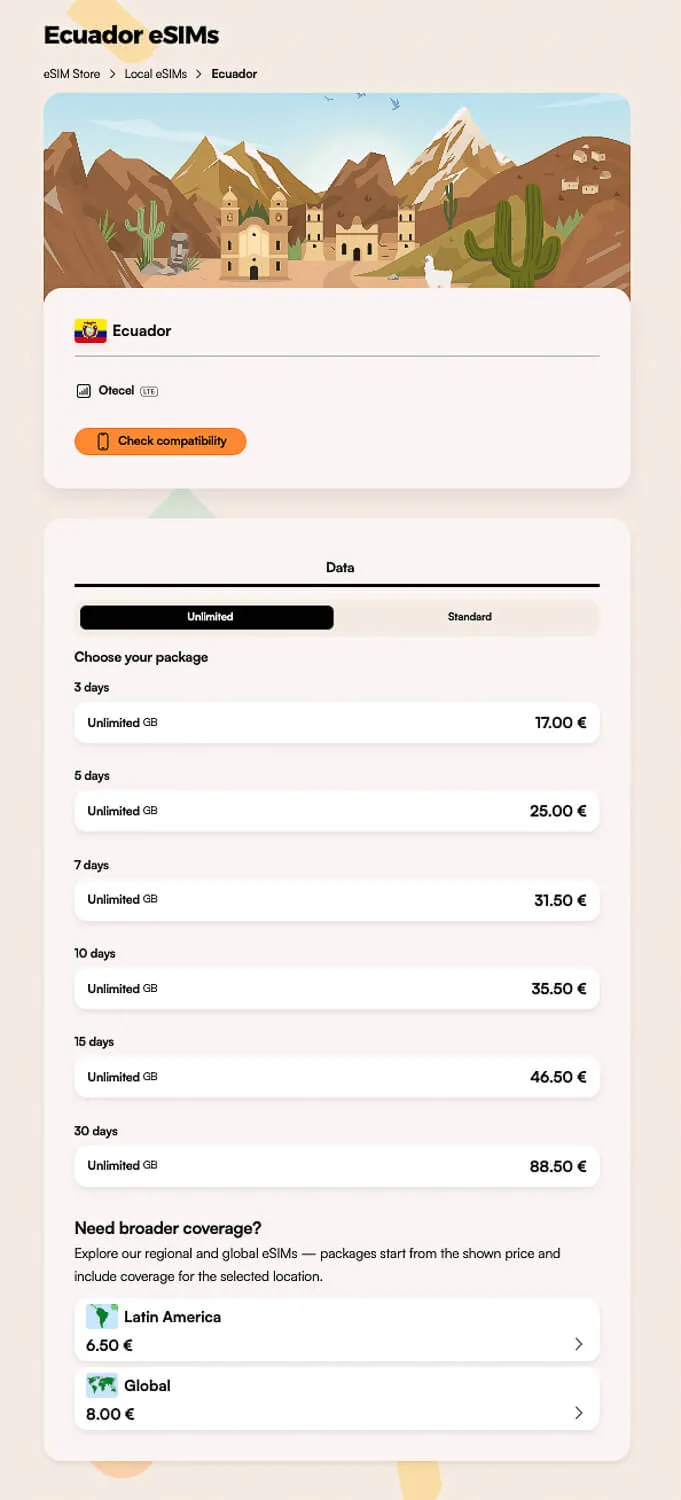
Airalo plans for the Galapagos (Otecel-Tigo)
Best SIM Card for Galapagos: Physical SIM or eSIM?
Here’s how the two options stack up side by side:
| Differences | Physical SIM (Claro/Movistar) | eSIM (e.g. Holafly) |
|---|---|---|
| Where to get it | Usually an airport or carrier store on the mainland; I also found one in San Cristobal | Bought online before you fly, activates when you connect |
| Setup | Requires passport or local ID, in-person registration | Scan a QR code, done in minutes |
| Includes calls/SMS? | Usually yes, with a local number | Usually data-only |
| Phone requirement | Must be unlocked | Must be eSIM-compatible |
| Convenience in Galapagos | Lower, since most guides say to buy it on the mainland first | Higher, since there is no store to find |
| Best for | Travelers who want a local number (what I used) | Travelers who want data without visiting a store (not tested by me) |
Which is better depends on your trip. A physical SIM gives you a local number, and I used a Claro one on every trip. An eSIM saves a visit to a shop, but I have not tried one and its network may differ from Claro. 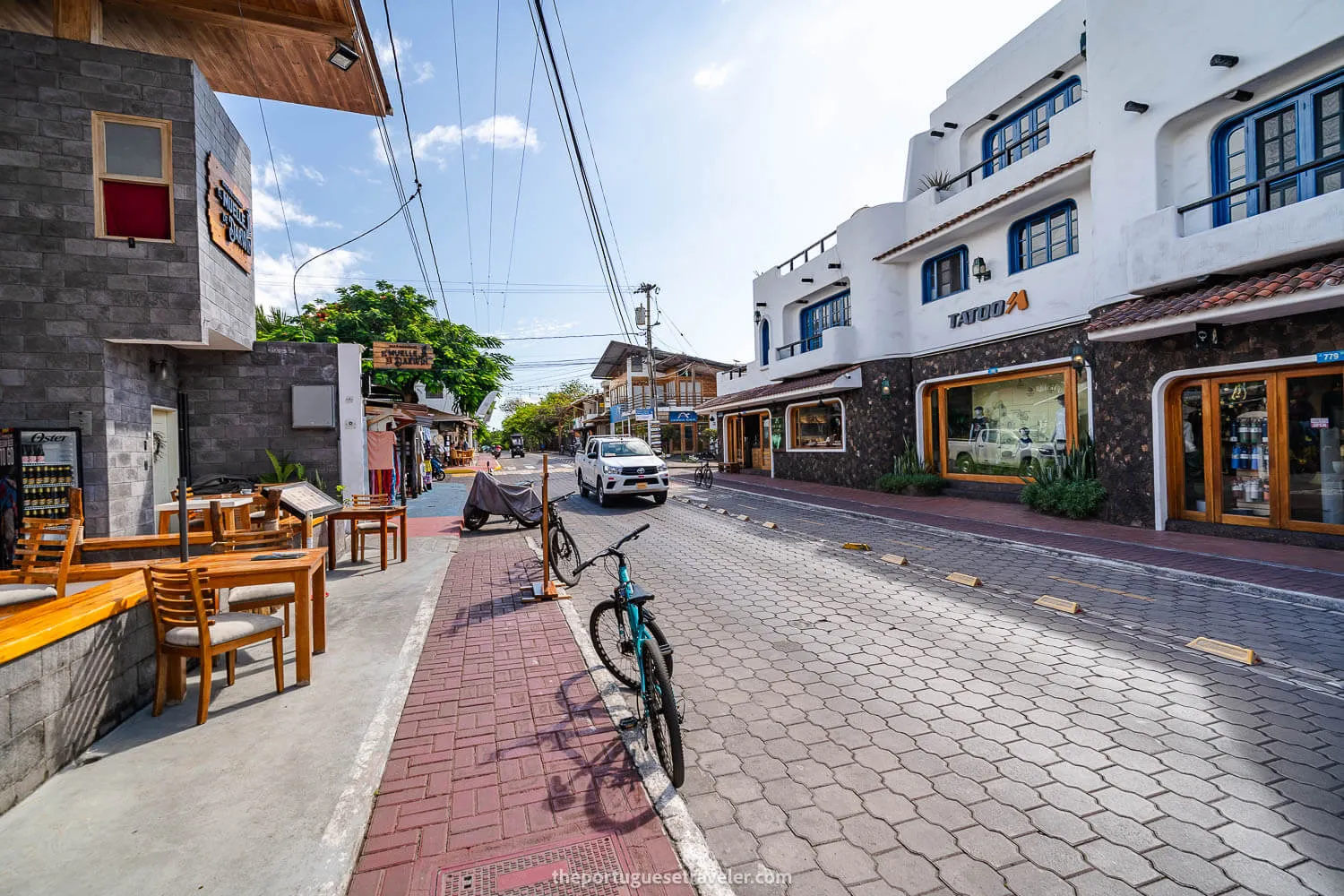
WiFi in the Galapagos: Starlink Has Changed the Game
Operator guides say satellite internet has made Wi-Fi more common on Galapagos cruise ships since 2024. This section is based on those guides, not on my own experience.
What Starlink Actually Is
Starlink is a satellite internet service run by SpaceX. It connects through a constellation of low-orbit satellites rather than a single distant geostationary satellite, which means faster speeds and lower lag. The Galapagos are about 1,000 km off mainland Ecuador, outside the range of any cell tower, so satellite internet is the only way to get online at sea.
Starlink on Galapagos Cruises
Operator guides say Starlink reached the Galapagos in 2024 and that Wi-Fi on cruise ships has become much more common since, although not every ship has it and some charge extra. Ask your operator whether your specific vessel has it.
Reports vary by ship, but the usual pattern is:
Generally reliable:
- Messaging apps (WhatsApp, iMessage): text and voice notes usually send quickly, and photos take a few seconds
- Social media browsing and posting (Instagram, TikTok): scrolling and uploading both usually work, if a little slower than home Wi-Fi
- Email and standard web browsing
Hit-or-miss or not viable:
- Video streaming (Netflix, YouTube): bandwidth is shared by everyone on board, so streaming is often blocked or very slow
- Real-time online gaming: satellite latency makes competitive multiplayer impractical
- Video calls: audio calls tend to work, but video quality fluctuates and calls can drop
Because the connection is shared, speeds usually dip at peak times, such as after meals when most passengers are back on board, and some operators cap bandwidth per device.
“Starlink Hotels” in the Galapagos
Some Galapagos hotels mention Starlink in their listing names, for example “Hotel X - Starlink WiFi”. That suggests the property has its own satellite terminal, but a listing name says nothing about how well the Wi-Fi works.
If staying connected matters to you, you can search for “Starlink” when comparing listings, or simply ask the property directly before booking.
Beyond hotels and cruises specifically:
- Restaurants in Puerto Ayora, Puerto Baquerizo Moreno, and Puerto Villamil generally offer guest WiFi, with quality varying by property.
- Airports: reports about free Wi-Fi at the Galapagos airports conflict, so do not count on it.
Treat Wi-Fi as a backup to your SIM or eSIM, not a replacement. 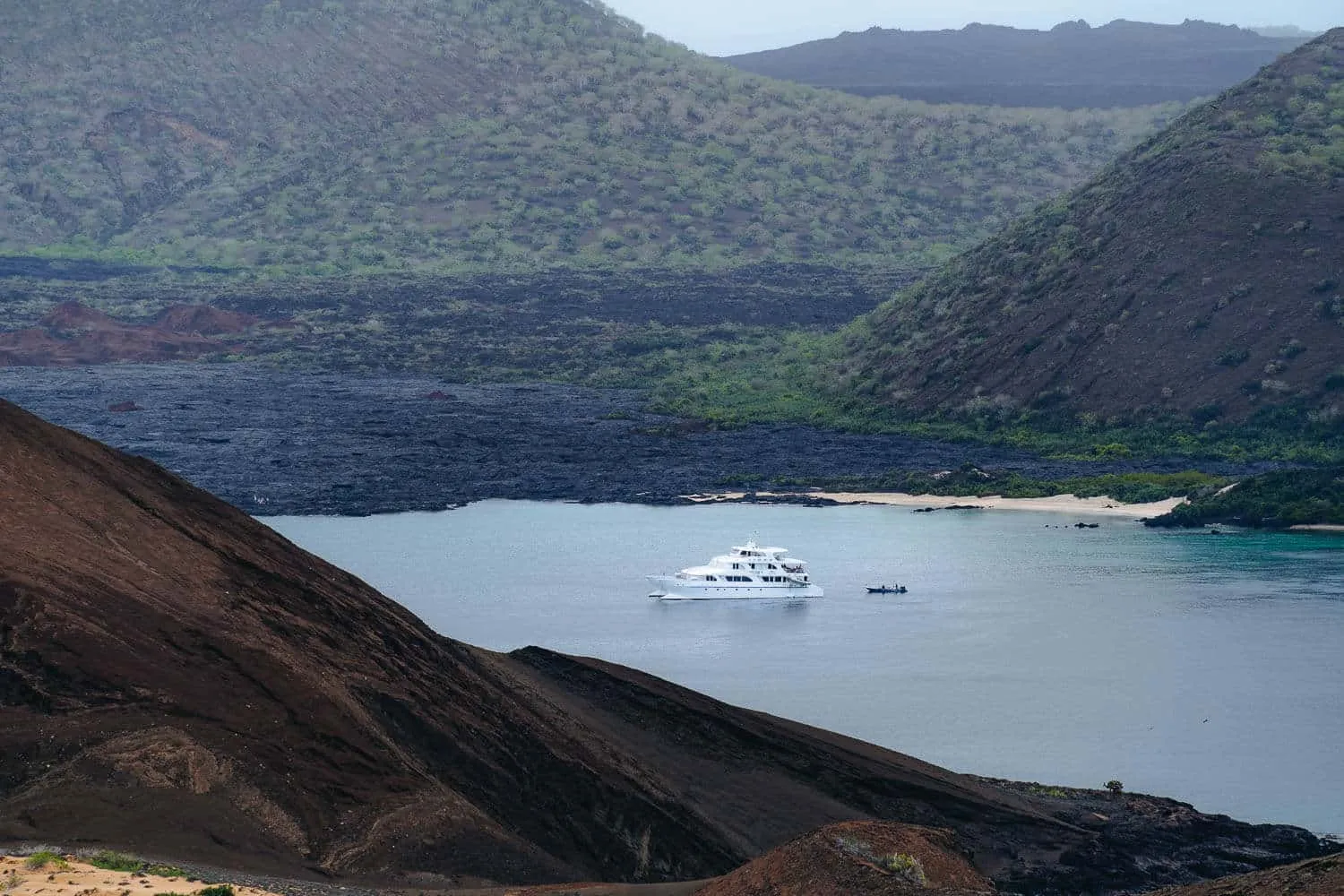
Tips From My Own Experience and Other Galapagos Travelers
Coverage depends on your device, your carrier and the exact spot you are standing in. What I can confirm from my own trips is that I had signal almost everywhere in town and none on the boat between islands. The four tips below are general advice, not experiences of mine.
- Do not assume an eSIM will behave like a local SIM. It may run on a different network, so check which carrier your plan uses before you buy.
- Use messaging apps for anything important. They usually cope with a weak connection better than email or large downloads.
- Do not rely on a single option. Use hotel Wi-Fi as a backup when your SIM or eSIM signal is weak, and download offline maps in advance for when you have no signal at all.
- Test your setup as soon as you land, rather than waiting until you are relying on it for something important.
How Much Data Do You Actually Need?
Light users need less data than they expect, because there is only signal for part of the day. These are rough planning figures, not measurements:
- Messaging apps (WhatsApp, iMessage): around 50 MB per day with photos
- Social media browsing: roughly 150–300 MB per day
- Uploading photos to cloud storage: about 200 MB per batch of 20–30 photos
- Maps and navigation: 20–50 MB per day (less if you download offline maps in advance)
- Video calls: around 500 MB per hour, and only realistic in port towns with 4G
For light use on a 7 to 10 day trip with a few hours of signal per day in port towns, 2 to 5 GB is a common planning figure. I use more than most because I work as a content creator. Over about a month in Ecuador, from December to January 2026, I used something like 10 to 20 GB and never ran out. That is a rough figure from memory, and it covers the whole stay in Ecuador, not only the Galapagos.
Final Verdict: Best SIM Card for the Galapagos
A physical SIM gives you a local number, and I used a Claro one on every trip. An eSIM saves a store visit and can be set up before you fly, but I have not tried one and it may run on a different network. Either way, sort it out before you travel if you can.
Whichever you choose, treat Wi-Fi as a backup, download your maps and essentials offline, and expect to be offline for part of the trip. 
Where to Stay in The Galapagos Islands
You can stay on a cruise, which doubles as your hotel, or on land in Santa Cruz, San Cristobal and Isabela, in places that range from guesthouses to hotels with ocean views.
I mostly woke up to the sound of waves at Cormorant Beach House in Isabela. Booking early is a good idea, especially in high season.
 Accommodation: Where to stay and the best hotels and hostels on the three main islands (Santa Cruz, San Cristobal, and Isabela)
Plan your trip
The links in this box are affiliate links. You won't pay more, and they help keep the blog running. Each line says whether I have used the product.

Car Rental: Discovercars compares car rental offers from many companies.

Accommodation: Book your hotels with Booking.com or Expedia. I used Agoda in Southeast Asia.

Flights: Trip.com sells flights, hotels, train tickets, attractions and car rental. Airhelp handles compensation claims for delayed, canceled or overbooked flights and charges a 35% fee only if the claim succeeds.
Trains and Buses: I have booked with Omio several times, including from Lisbon to San Sebastian. 12Go sells tickets for trains, buses, ferries, transfers and flights across Asia and some other regions.

Tours and Tickets: I have used GetYourGuide on some trips. Viator sells tours, activities and tickets, and most have free cancellation up to 24 hours before.

Mobile eSIM: Holafly sells eSIM data plans for travel, delivered by email (5% discount). I have used Airalo, not in the Galapagos.

Travel Insurance: Heymondo sells travel insurance that covers medical issues, lost luggage, transport delays and trip cancellation, with an app that offers medical chat and 24/7 assistance. It is well reviewed, and this link gets you 5% off. Safetywing sells subscription health and travel insurance for people who travel or live abroad, covering medical treatment, emergency dental care and travel problems such as lost luggage and delays.

Loading comments…